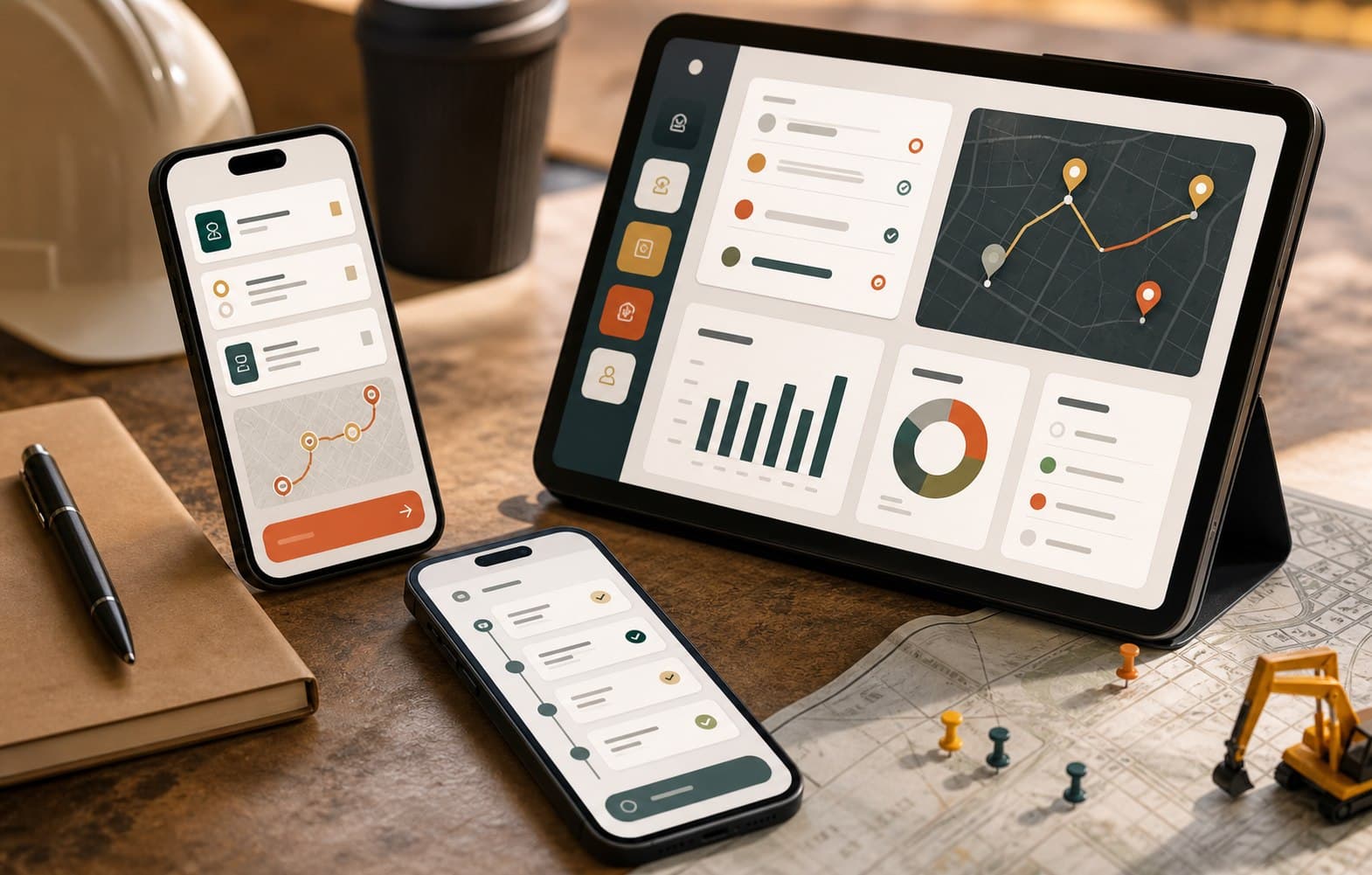
Why internal operational apps get rejected by field teams: Lessons from warehouse floors
Field tools fail not from lacking features, but because they are impractical under work gloves, harsh sunlight, and dead cell signals behind steel warehouse racks.
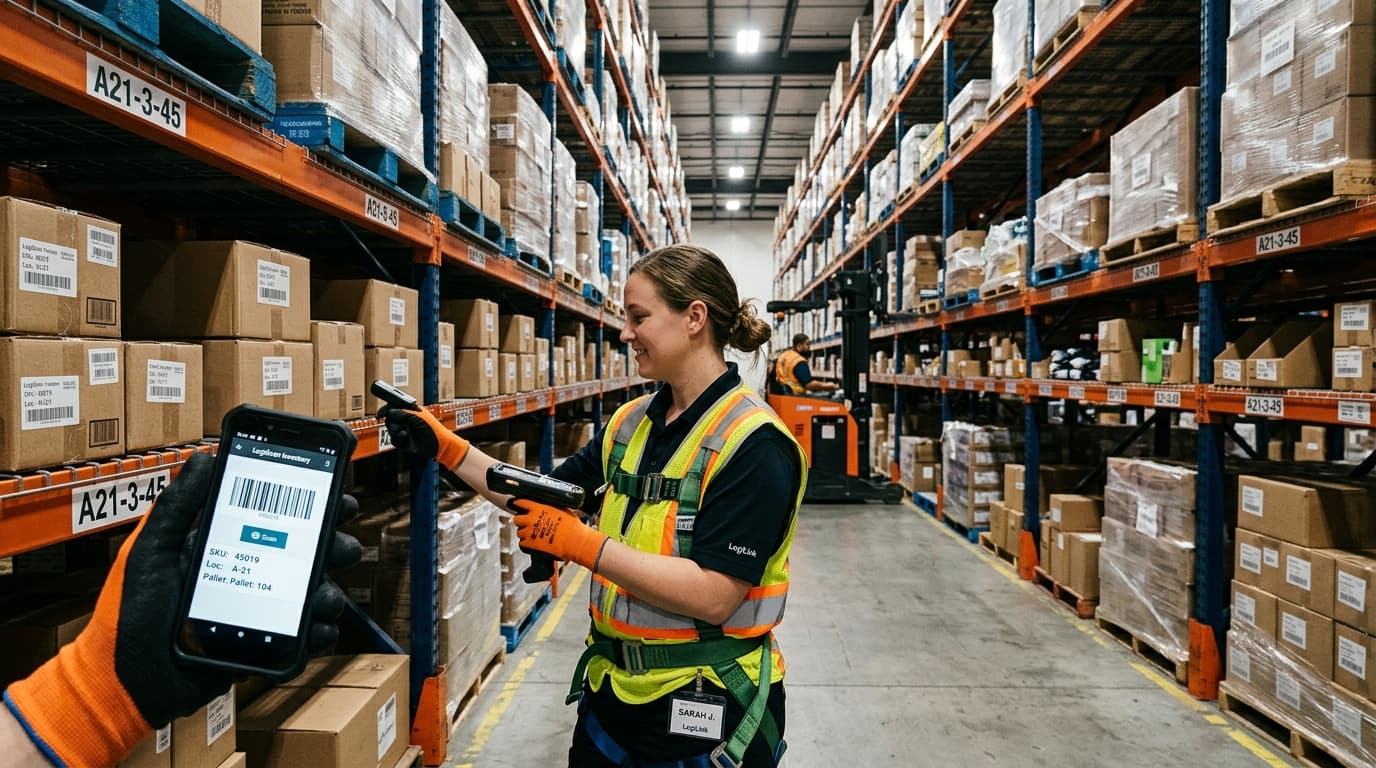
Field tools fail not from lacking features, but because they are impractical under work gloves, harsh sunlight, and dead cell signals behind steel warehouse racks.
The 30-second rule for field workers
Warehouse staff, technicians, and delivery drivers operate under strict shifts. If an app requires 15 text fields and multiple nested dropdowns for a single handover, they simply will not use it.
Replace manual typing with camera barcode scanning, automatic GPS timestamps, and large thumb-friendly touch targets that work even with protective gloves.
Connection drops are normal conditions, not edge cases
Steel-roofed distribution centers and plant basements frequently lack cell signal. If an app freezes or clears an unsubmitted form when connectivity drops, users will immediately revert to paper clipboards.
Design offline-first by default: store form drafts locally on the device and sync them quietly in the background once network connectivity returns.
Test on the actual floor, not in conference rooms
Testing an app in an air-conditioned office on fast Wi-Fi tells you nothing about daily operational reality. Visit the job site and watch how field workers actually handle the device during peak hours.
Feedback gathered directly on the floor in week one will save you months of wasted development and user resistance down the road.